 VisPR
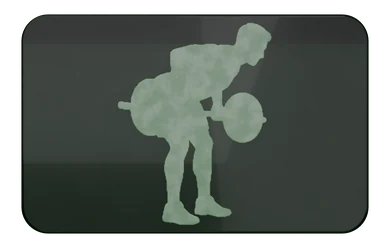
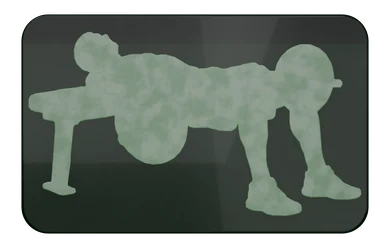
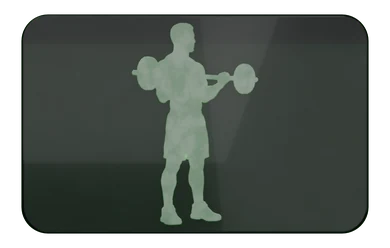
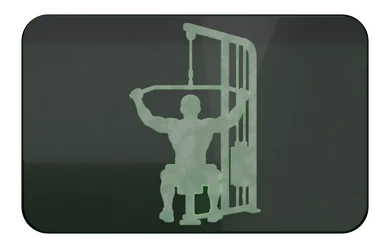
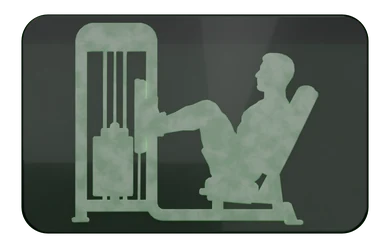
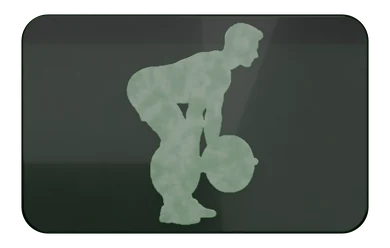
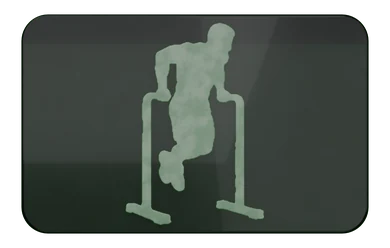
Start a workout in one tap
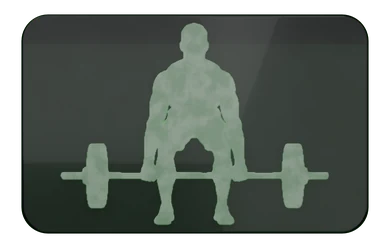
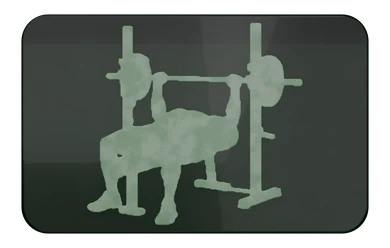
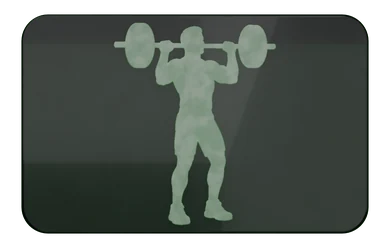
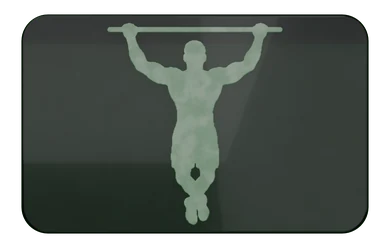
Your usual lifts sit on the Lift tab as tiles. Tap one and you're logging. To start several at once, press and hold a tile, choose Select, tap the others you want, then Start. Keep the sessions you repeat as templates.
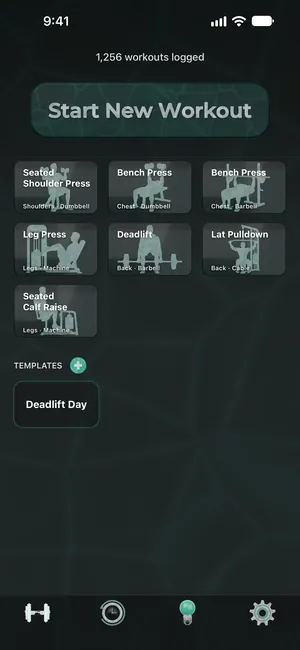
VisPR is a free workout tracker for iPhone. No ads, no subscription, no account needed.

Coming very soon to Android. Apple Watch support is on the way.
“I didn't set out to build another workout tracker. I've trained with weights consistently for more than ten years and used many of the top-rated apps along the way, including one I stuck with for six years that's probably the best of them. I still wanted something better for myself, so I built it.”
Your usual lifts sit on the Lift tab as tiles. Tap one and you're logging. To start several at once, press and hold a tile, choose Select, tap the others you want, then Start. Keep the sessions you repeat as templates.
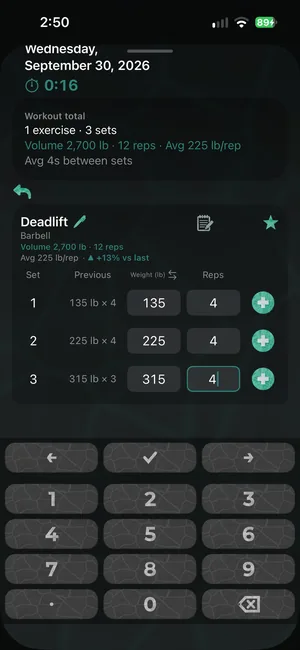
Every set shows what you did last time right beside it, and each exercise tells you how you're doing against your last session. A big number pad built for the gym moves you from field to field, and the weight carries forward between sets.
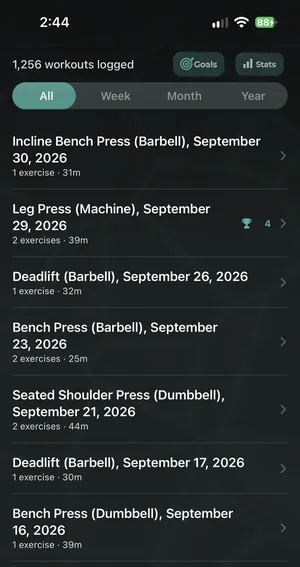
Personal records are spotted automatically and marked in your history. Filter by week, month or year, and track your progress in Goals and Stats.
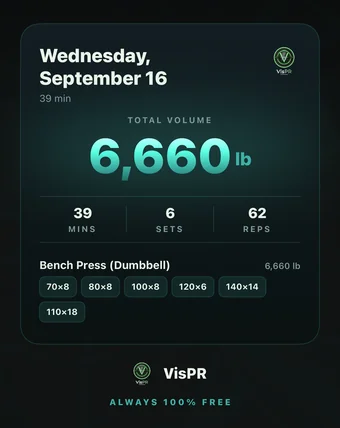
Turn any workout into an image you can send to anyone, with the total volume, your sets and every lift. It comes in VisPR's green look, or turn on "Shared images use my theme" in Settings and it picks up your own background and colors.
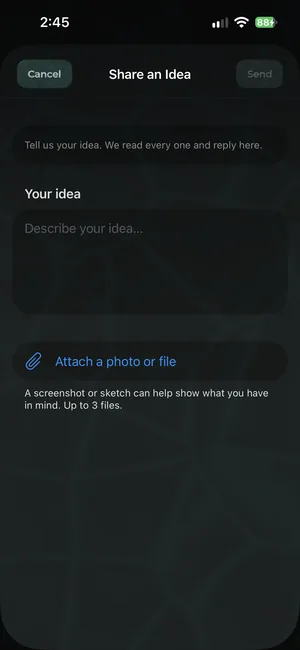
Something I haven't come across in any other workout app: Ideas and Bug Report are live chats with me, the person who builds VisPR. Not a feedback form, and not a support queue.
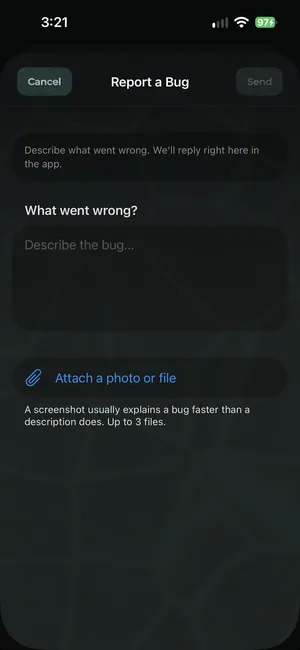
Share an idea from the Ideas tab (the lightbulb), or report a bug from Settings (the gear). Attach up to three screenshots, and I reply in the same conversation.
When enough people ask for the same thing, I put it to everyone: a one-question poll appears when you open the app, never in the middle of a workout. Answers are anonymous, and they help decide what I build next.
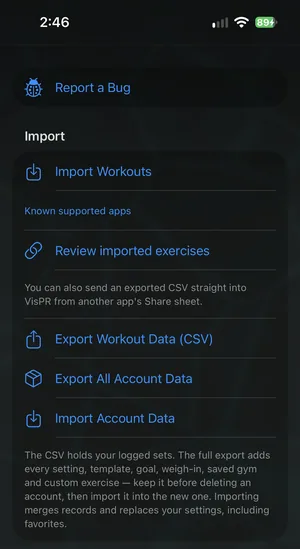
Import your old logs from other apps' CSV exports, even straight from their Share sheet. If your app isn't supported yet, send me its export and I'll work on adding it.
Export everything as a CSV or a full backup whenever you like.
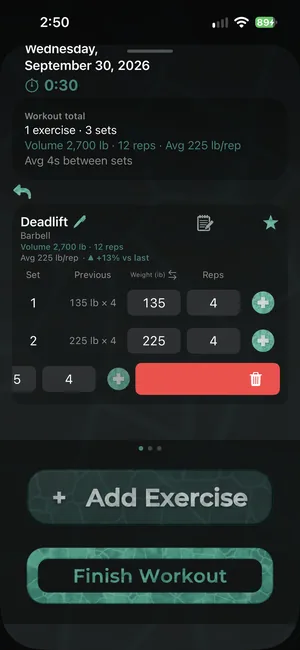
Swipe a set away. Undo brings it back.
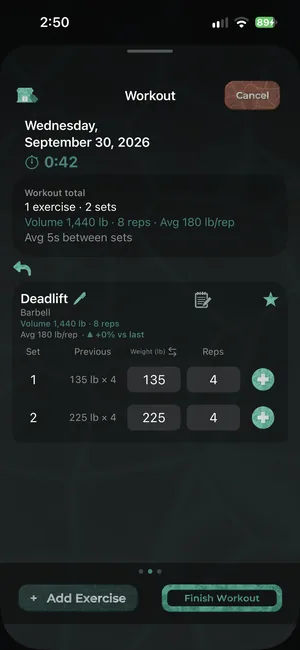
Tap the three dots above the bottom buttons to switch them between full size, compact and hidden, and give your sets more room.
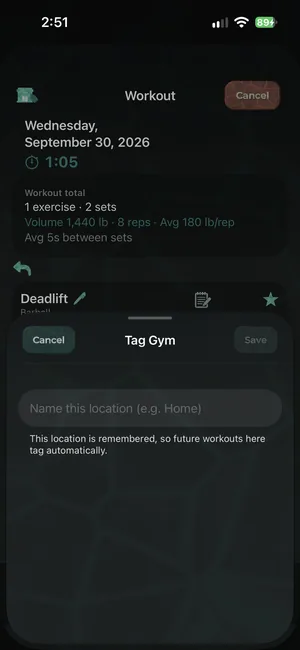
Tag your gym once. Next time you train there, VisPR recognizes it from your phone's GPS location and tags the workout for you.
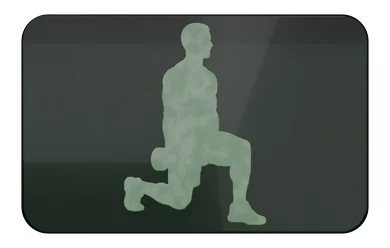
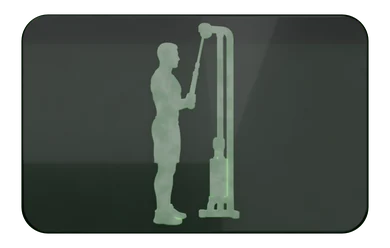
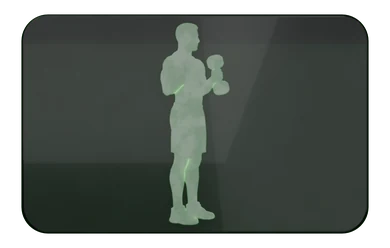
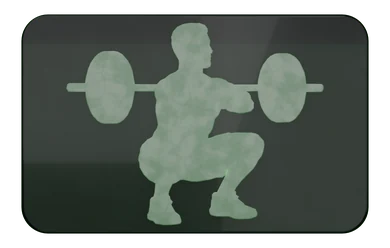
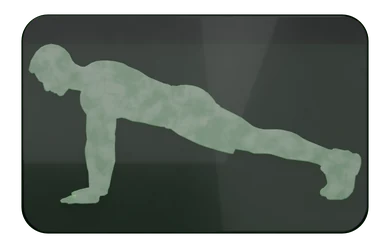
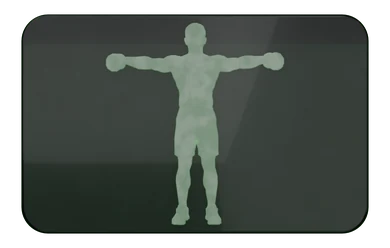
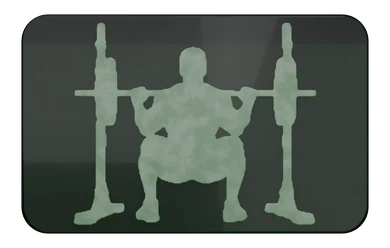
Star an exercise and it joins the Lift tab as a tile with artwork made for that lift, so the one you want is easy to spot and one tap from a new workout.
Coming very soon to Android. Apple Watch support is on the way.